



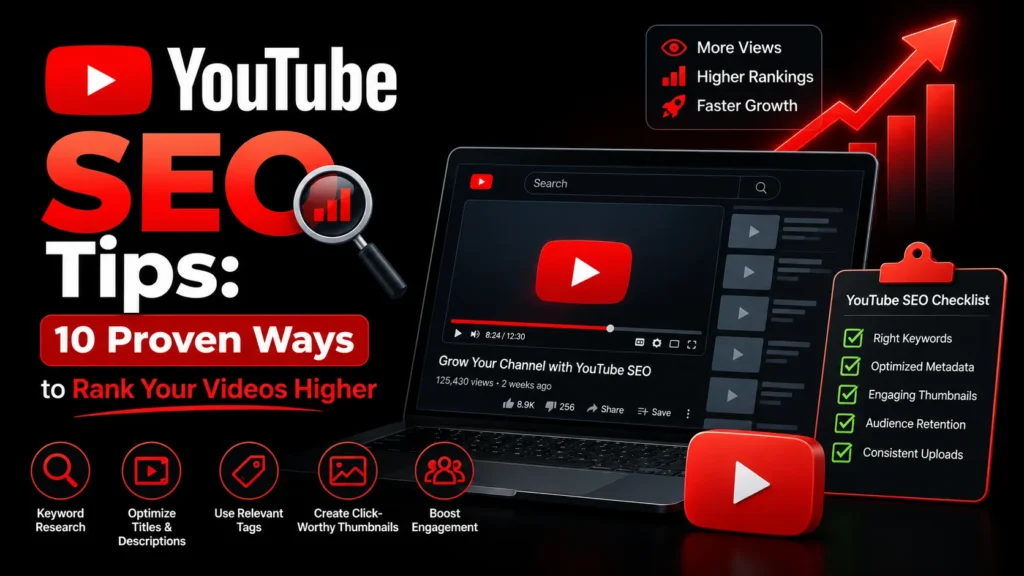
YouTube SEO tips can help your videos get discovered by the right audience without spending money on ads. With over 500 hours of video uploaded to YouTube every minute, simply publishing good content is not enough. You need to optimize your videos so YouTube’s algorithm understands what they are about and recommends them to the right viewers. This guide covers the most effective YouTube SEO tips you can implement today. For professional YouTube SEO help, see our guide to YouTube SEO services.
TL;DR: The most impactful YouTube SEO tips are: use keyword rich titles, write detailed descriptions, create compelling thumbnails, publish consistently, and optimize for watch time and click through rate. Focus on what viewers search for, then deliver content that keeps them watching.
What are the most important YouTube SEO tips?
The most important YouTube SEO tips are to choose a real search phrase before filming, put it in a clear title and the first lines of the description, design a thumbnail that matches the video, and keep viewers watching. YouTube says it ranks search results on relevance, engagement and quality, so every tip below supports one of those three.
How does YouTube rank videos in search?
YouTube’s explanation of search says results are ranked on three elements, and that their importance can vary by search. Use this table to see which of the ten tips below feeds which element.
| Element (per YouTube) | What it covers | Tips that help |
|---|---|---|
| Relevance | How well the title, tags, description and video content match the search | 1, 2, 3, 5, 8 |
| Engagement | How viewers interact with the video for that search, including watch time | 4, 6, 7, 9 |
| Quality | Signals of expertise, authority and trustworthiness on a topic | 7, 8, 10 |
1. Do Keyword Research Before You Create
YouTube SEO starts before you film anything. Use these tools to find what your audience is searching for:
- YouTube autocomplete: Type a keyword into YouTube’s search bar and see what suggestions appear. These are real searches.
- TubeBuddy and VidIQ: Free browser extensions that show search volume and competition for YouTube keywords.
- Google Trends: Compare keyword popularity over time and by region.
- Competitor analysis: Look at what keywords your competitors’ top videos target.
Choose keywords with decent search volume but manageable competition. Long tail keywords (3 to 5 words) are easier to rank for than broad, competitive terms. Our keyword research tool can help you test phrase ideas for the web version of the same topic.
2. Optimize Your Video Title
Your title is the most important on-page SEO element for YouTube. Tips for effective titles:
- Include your target keyword naturally in the first half of the title
- Keep titles under 60 characters so they do not get truncated
- Make titles compelling and click worthy, not just keyword stuffed
- Use numbers and brackets to increase click through rate (e.g., “7 YouTube SEO Tips [2026 Guide]”)
- Match the title to what the video actually delivers. Misleading titles hurt watch time.
3. Write a Detailed, Keyword Rich Description
YouTube uses your description to understand what your video is about. Tips:
- Include your target keyword in the first 2 lines, which are visible before the “Show more” button
- Write at least 200 words describing the video content
- Add timestamps for different sections of your video. These help viewers navigate and can earn Google rich results.
- Include links to related videos, your website, and social media
- Use relevant hashtags (3 to 5) at the end of the description
On timestamps: YouTube’s chapters help page says that to add chapters in the description, the first timestamp must be 00:00, you need at least three timestamps in ascending order, and each chapter must be at least 10 seconds long.
4. Create Click Worthy Thumbnails
Your thumbnail is the single biggest factor in click through rate. Tips:
- Use high contrast colors that stand out against YouTube’s white background
- Include minimal text (3 to 5 words max) that complements your title
- Show a face or emotion. Thumbnails with faces get higher CTR.
- Use 1280×720 resolution with a 16:9 aspect ratio
- Test different thumbnails and keep the one with the highest CTR
What is a good click-through rate? YouTube’s help page on impressions click-through rate gives no single target. It says half of channels and videos fall between 2% and 10%, and that CTR varies with content type, audience and where the thumbnail is shown. It recommends comparing CTR over the long term and looking at traffic sources, so compare your own videos with each other and not with a number from someone else’s channel.
5. Use Tags Strategically
Tags help YouTube understand your video’s context. Tips:
- Include your primary keyword as the first tag
- Add related keywords and variations
- Use broad tags for category context and specific tags for topic context
- Do not overdo it. 5 to 15 relevant tags are better than 30 irrelevant ones.
Keep expectations modest. YouTube’s help page on tags says tags play a minor role in discovery, that the title, thumbnail and description matter more, and that tags are most useful when a video’s subject is commonly misspelled. It also warns that adding excessive tags to a description is against its spam policies.
6. Optimize for Watch Time
Watch time is one of YouTube’s top ranking factors. Tips to increase it:
- Hook viewers in the first 10 seconds. Start with the most interesting or valuable part.
- Cut out fluff, pauses, and irrelevant content during editing
- Use pattern interrupts: change visuals, add text overlays, or switch camera angles every 5 to 10 seconds
- Plan your video structure before filming so it flows logically
- Aim for 50 percent or higher audience retention
7. Publish Consistently
Consistency signals to YouTube that your channel is active and worth promoting. Tips:
- Publish on a regular schedule, whether that is weekly, twice a week, or daily
- YouTube’s algorithm favors channels that publish consistently
- Use YouTube Premieres to build anticipation for new videos
- Batch film and edit videos so you always have content ready to publish
8. Use Playlists to Organize Your Channel
Playlists help viewers find related content and increase watch time. Tips:
- Group related videos into playlists with keyword rich titles
- Write playlist descriptions with relevant keywords
- Use playlists to guide viewers through a series of videos on a topic
- Playlists can rank in YouTube search independently of individual videos
9. Engage With Your Audience
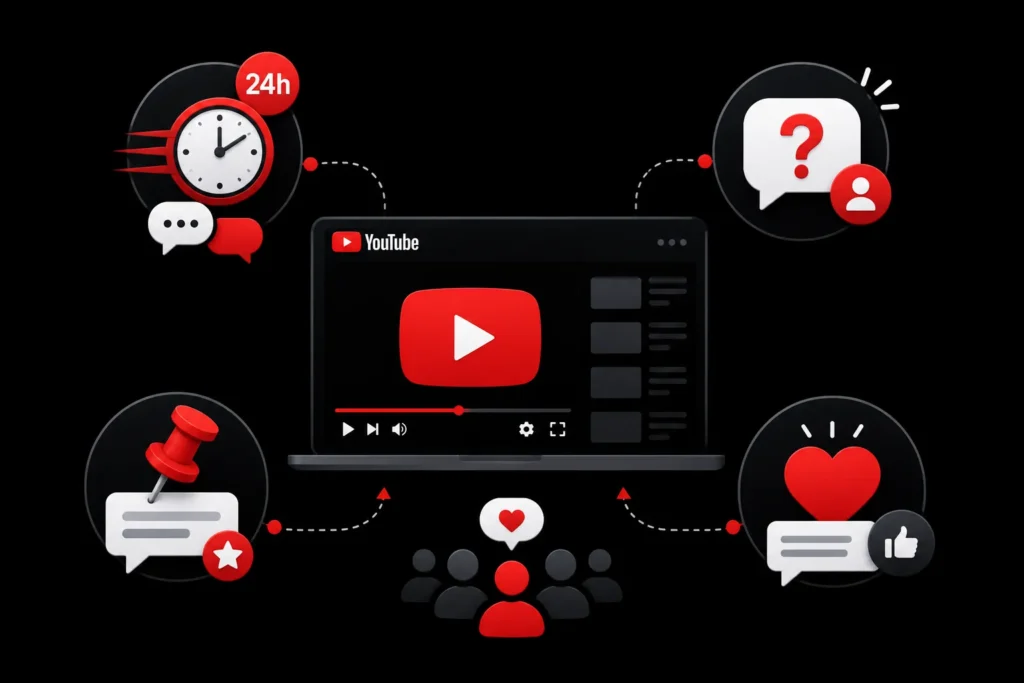
Engagement signals quality to YouTube. Tips:
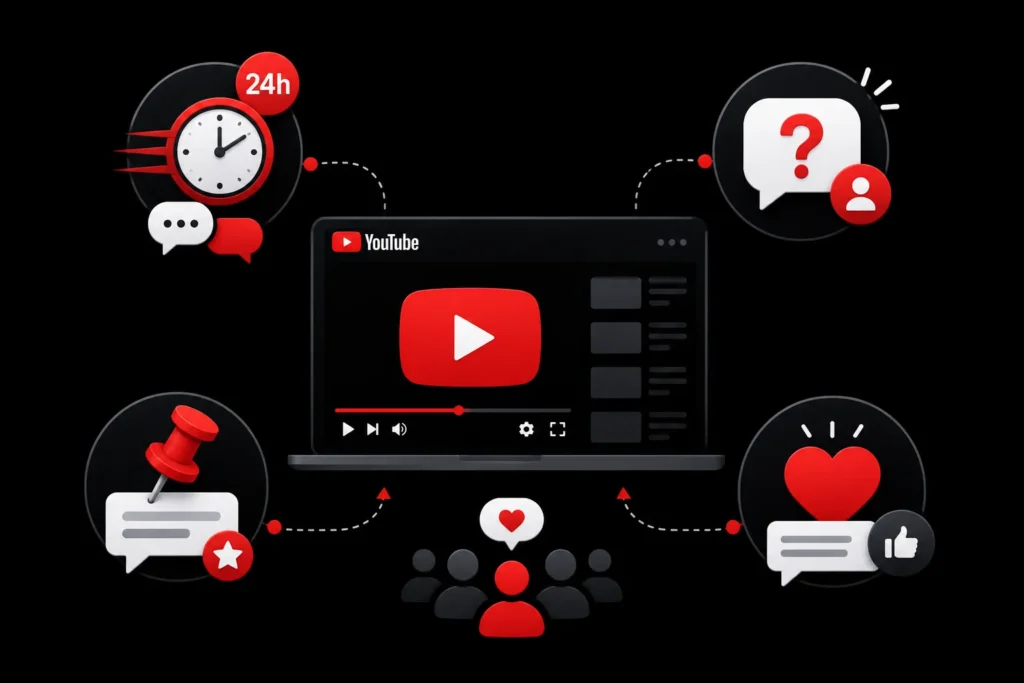
- Respond to comments within the first 24 hours of publishing
- Ask viewers to comment by posing a question in your video
- Pin a comment that encourages discussion
- Heart and like comments to show you are active
10. Analyze and Iterate
YouTube Studio provides detailed analytics. Use them to improve:
- Check audience retention graphs to see where viewers drop off
- Review traffic sources to understand how viewers find your videos
- Look at click through rate by thumbnail to see which designs perform best
- Track watch time trends to see which topics resonate most
- Use the YouTube Analytics documentation to understand each metric
How do you diagnose a video that is not performing?
| What you see in YouTube Studio | Likely problem | What to change |
|---|---|---|
| Few impressions | The video is not matching a search people make, or the channel has little history on the topic | Revisit the keyword, title and description; build related videos and a playlist |
| Plenty of impressions, low click-through rate | Title or thumbnail is unclear or unappealing | Rewrite the title, redesign the thumbnail, then compare over time |
| Good click-through rate, early drop-off in retention | The opening does not deliver what the title promised | Re-cut the first 30 seconds or lead with the answer |
| Good retention but few views | The video is good but undiscovered | Add it to playlists, link it from related videos and your website |
What does the process look like for one video?
Here is a hypothetical example for a small software company making a tutorial. They pick a search phrase from autocomplete, write a script whose opening line answers that phrase, record, and add chapters. They write the title with the phrase in the first half, a description whose first two lines state what the viewer will learn, a three-word thumbnail and a short list of related tags. A week later they check Studio: if impressions are low they revisit the keyword, if clicks are low they test a new thumbnail, and if viewers leave early they tighten the intro. The loop of publish, measure and adjust is the real habit behind tips 1 to 10.
What are the common YouTube SEO mistakes?
- Optimising after publishing only. The keyword should shape the script, not be added at the end.
- Treating tags as the main lever. YouTube says they play a minor role.
- Copying competitors’ clickbait. A title that overpromises costs you watch time and trust.
- Changing too many things at once. Change the thumbnail or the title, not both, so you can tell what worked.
- Ignoring the channel as a whole. Playlists and related videos help viewers move from one video to the next.
Get Started With YouTube SEO
If your videos are not optimized for search, competitors may be attracting the views, subscribers, and customers that could be yours. YouTube SEO helps improve discoverability, click-through rates, watch time, and long-term channel growth.
MoxSEO offers YouTube SEO services for businesses and creators in India and globally. Get a free quote to see how we can help your videos rank higher and reach more viewers. Learn more about our YouTube SEO service, see our wider SEO services, or plan the content around your videos with content marketing.
Frequently Asked Questions
How long does it take for YouTube SEO to work?
Optimized videos can see ranking improvements within 1 to 2 weeks. However, building a channel that consistently ranks takes 3 to 6 months of regular publishing and optimization. The more videos you optimize, the faster your channel grows.
What is the most important YouTube SEO factor?
Click through rate (CTR) and watch time are the two most important factors. CTR determines how many people click your video, and watch time determines how long they stay. A video with a great thumbnail and engaging content will outperform a perfectly keyword optimized video that nobody clicks or finishes.
Do YouTube tags still matter in 2026?
Tags play a minor role compared to titles, descriptions, and engagement. YouTube has stated that tags are mostly used for misspellings and context. Focus your effort on titles, descriptions, and thumbnails first, then add relevant tags as a supplementary signal.
Should I use YouTube ads or organic YouTube SEO?
Both have value. YouTube ads provide immediate views but stop when you stop paying. Organic YouTube SEO builds long term, free traffic. For most creators and businesses, starting with organic SEO and supplementing with ads for important videos is the best approach.
What is a good click-through rate on YouTube?
YouTube gives no single target. Its help page says half of channels and videos have an impressions click-through rate between 2% and 10%, and that it varies by content type, audience and where the thumbnail appears. Compare your own videos over time instead of chasing one number.
How does YouTube rank videos in search?
YouTube says search results are ranked on relevance, engagement and quality. Relevance is how well the title, tags, description and content match the search. Engagement includes watch time for that search. Quality covers signals of expertise, authority and trustworthiness on a topic.
How do I add chapters to my YouTube video?
Add timestamps to the description. The first must be 00:00, you need at least three in ascending order, and each chapter must be at least 10 seconds long, according to YouTube’s help page on chapters.
Which change should I make first if a video gets no views?
Check impressions in YouTube Studio first. If impressions are very low, the problem is relevance and keyword choice. If impressions are fine but clicks are low, change the title or thumbnail. If clicks are fine but viewers leave early, fix the opening of the video.
Related guides in YouTube SEO
- YouTube SEO for Beginners: How to Get More Views on Your Videos
- YouTube SEO: How to Rank Your Videos in 2026
- YouTube SEO Services: How to Rank Your Videos on YouTube and Google
Need this handled for you? Explore our YouTube SEO service.

Samruddhi Kadam is an SEO Associate at MoxSEO with 2 years of experience in keyword research, on-page SEO, content optimization, competitor analysis, and website performance tracking. She focuses on improving organic visibility, creating search-friendly content, and identifying practical opportunities to strengthen rankings. Through consistent analysis and data-driven execution, Samruddhi helps businesses attract relevant traffic and build a stronger presence in search results.