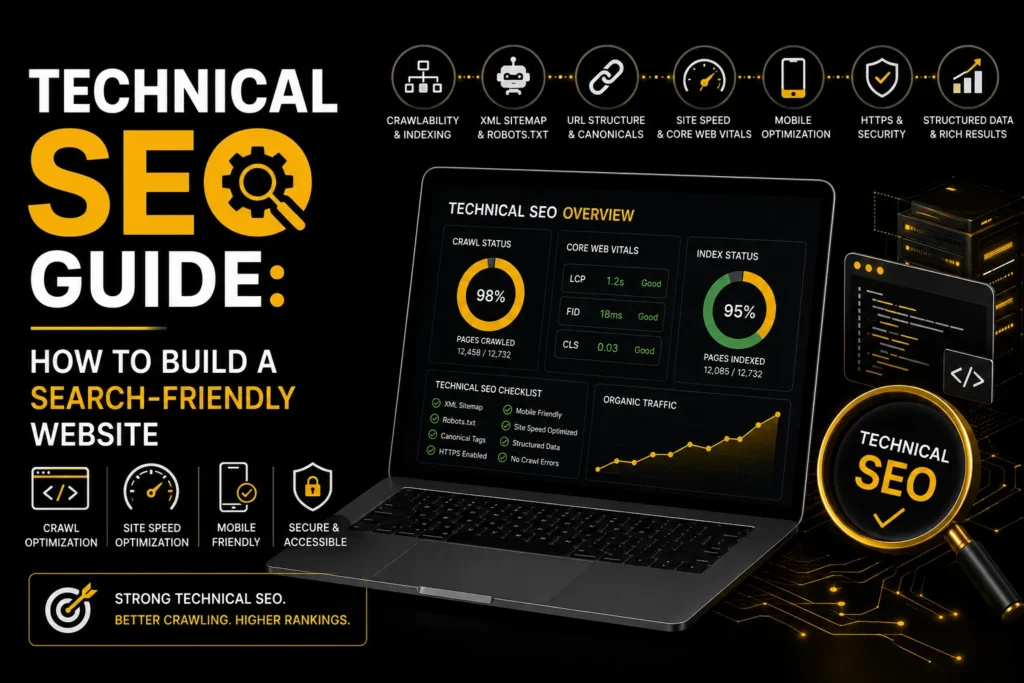
Technical SEO is the foundation of your search visibility. Without it, no amount of great content or backlinks will help you rank. Technical SEO ensures Google can crawl, index, and understand your website. If your site has technical problems, every other SEO effort is built on shaky ground. This technical SEO guide walks you through the key areas to check and fix.
TL;DR: Technical SEO covers crawlability, indexation, site speed, mobile-friendliness, structured data, XML sitemaps, canonical tags, and site architecture. Fix technical issues first, then build content and links on top. Use Google Search Console, a crawling tool, and PageSpeed Insights to audit your site. MoxSEO offers SEO services that include technical SEO audits and fixes.
What Is Technical SEO?
Technical SEO is the process of optimizing your website’s infrastructure so search engines can crawl, index, and rank it effectively. Unlike on-page SEO (which optimizes content) and off-page SEO (which builds authority through links), technical SEO focuses on the backend: server configuration, site speed, HTML structure, and crawlability.
Key Areas of Technical SEO
1. Crawlability and Indexation
Google must be able to crawl and index your pages. Check Google Search Console for indexation issues. Ensure your robots.txt file is not blocking important pages. Confirm your XML sitemap is submitted and error-free. Check for noindex tags on pages that should be indexed. Google’s crawling and indexing documentation explains how Google discovers and indexes pages.
2. Site Speed and Core Web Vitals
Page speed is a confirmed ranking factor. Google’s Core Web Vitals measure loading (LCP), visual stability (CLS), and interactivity (INP). Use Google PageSpeed Insights to test your pages. Common fixes include image compression, caching, minimizing JavaScript, and using a CDN. Google’s page experience guidance explains how these metrics affect rankings.
3. Mobile-Friendliness
Google uses mobile-first indexing, meaning it evaluates the mobile version of your site for rankings. Your site must be responsive, have large tap targets, readable text without zooming, and no intrusive pop-ups on mobile.
4. Site Architecture and URL Structure
Your site should have a logical hierarchy: homepage to category pages to individual pages. URLs should be clean, short, and keyword-rich (like /services/seo/local/). Avoid long URLs with parameters or session IDs.
5. Canonical Tags
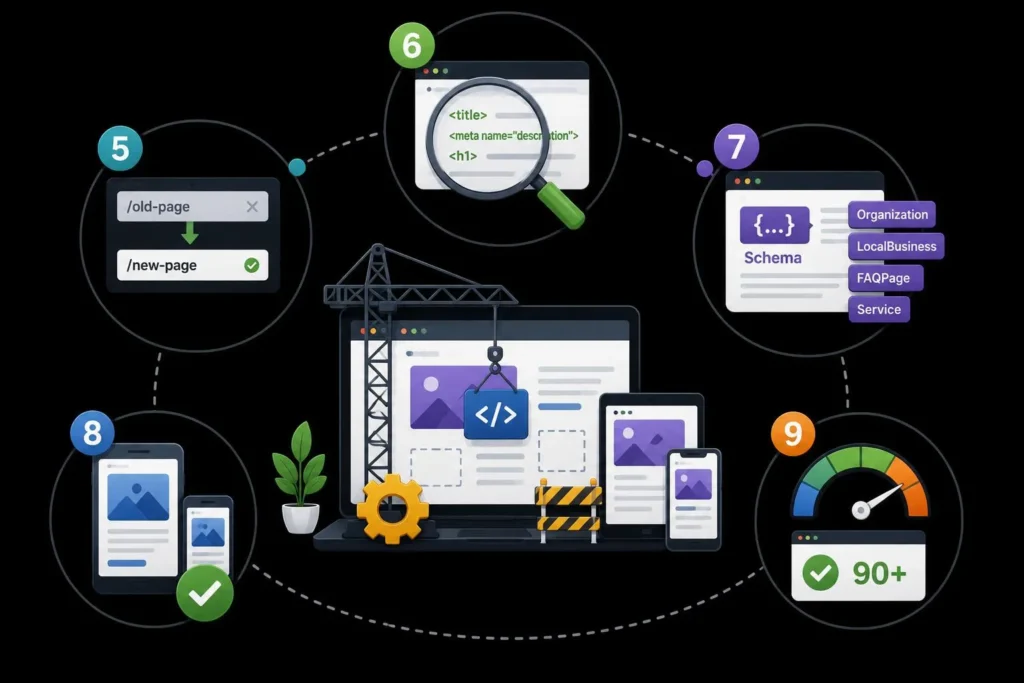
Canonical tags tell Google which version of a page is the primary one, preventing duplicate content issues. Every page should have a self-referencing canonical tag. If you have similar pages, use canonical tags to point to the preferred version. Google’s guide to consolidating duplicate URLs explains how canonical tags work.
6. Structured Data (Schema Markup)
Schema markup helps Google understand your content and can unlock rich results. Add Organization, LocalBusiness, Article, FAQPage, Service, and Product schema where applicable. Test your schema with Google’s Rich Results Test tool. Google’s introduction to structured data covers the schema types you should implement.
7. HTTPS and Security
Google prefers secure sites. Ensure your site uses HTTPS with a valid SSL certificate. Mixed content (HTTP resources on HTTPS pages) can cause security warnings and should be fixed.
8. XML Sitemap
Your XML sitemap lists all pages you want Google to index. Include only canonical, indexable pages. Exclude noindexed pages, redirects, and low-value pages like tag archives. Submit your sitemap in Google Search Console.
9. Broken Links and Redirects
Broken links (404 errors) waste crawl budget and create poor user experience. Use a crawler to find broken links and fix them with 301 redirects to the closest relevant page. Check for redirect chains (A to B to C) and collapse them into single redirects (A to C).
10. International SEO (If Applicable)
If you serve multiple countries or languages, implement hreflang tags to tell Google which version of each page to show to which audience. See our guide on international SEO services for details.
What Is the Most Important Technical SEO Factor?
There is no single factor, but crawlability and indexation are the foundation. If search engines cannot access and index your important pages, improvements to content, speed, and backlinks will have limited impact. Start with a technical audit, then fix site speed, mobile usability, structured data, and architecture.
Looking for technical SEO services that improve crawlability and rankings? Get a free consultation from MoxSEO and strengthen your website’s technical foundation.
Frequently Asked Questions
What is technical SEO?
Technical SEO is the process of optimizing your website’s infrastructure so search engines can crawl, index, and rank it effectively. It covers crawlability, indexation, site speed, mobile-friendliness, structured data, canonical tags, XML sitemaps, site architecture, and security. Technical SEO is the foundation that on-page and off-page SEO build on.
How is technical SEO different from on-page SEO?
Technical SEO focuses on your website’s infrastructure (server, code, speed, crawlability), while on-page SEO focuses on content elements (title tags, meta descriptions, headings, keywords, internal links). Both are necessary. Technical SEO ensures Google can access your site. On-page SEO ensures your content is optimized for relevant keywords.
How do I audit my technical SEO?
Use Google Search Console to check indexation and crawl errors. Use a crawling tool like Screaming Frog to find broken links, missing tags, and duplicate content. Use Google PageSpeed Insights to test Core Web Vitals. Use Google’s Rich Results Test to validate schema markup.
How long does it take to fix technical SEO issues?
Simple fixes (title tags, meta descriptions, canonical tags) can be done in hours. More complex fixes (site speed, site architecture, redirect cleanup) can take days to weeks. The impact of technical fixes on rankings usually appears within 2 to 4 weeks as Google recrawls and reindexes your site.
Do I need a developer for technical SEO?
Some technical SEO tasks require development knowledge (server configuration, JavaScript rendering, site speed optimization). Others can be done with WordPress plugins or SEO tools (canonical tags, schema markup, sitemaps). If you are not comfortable with HTML and server configuration, hire an SEO professional or agency to handle technical SEO.